
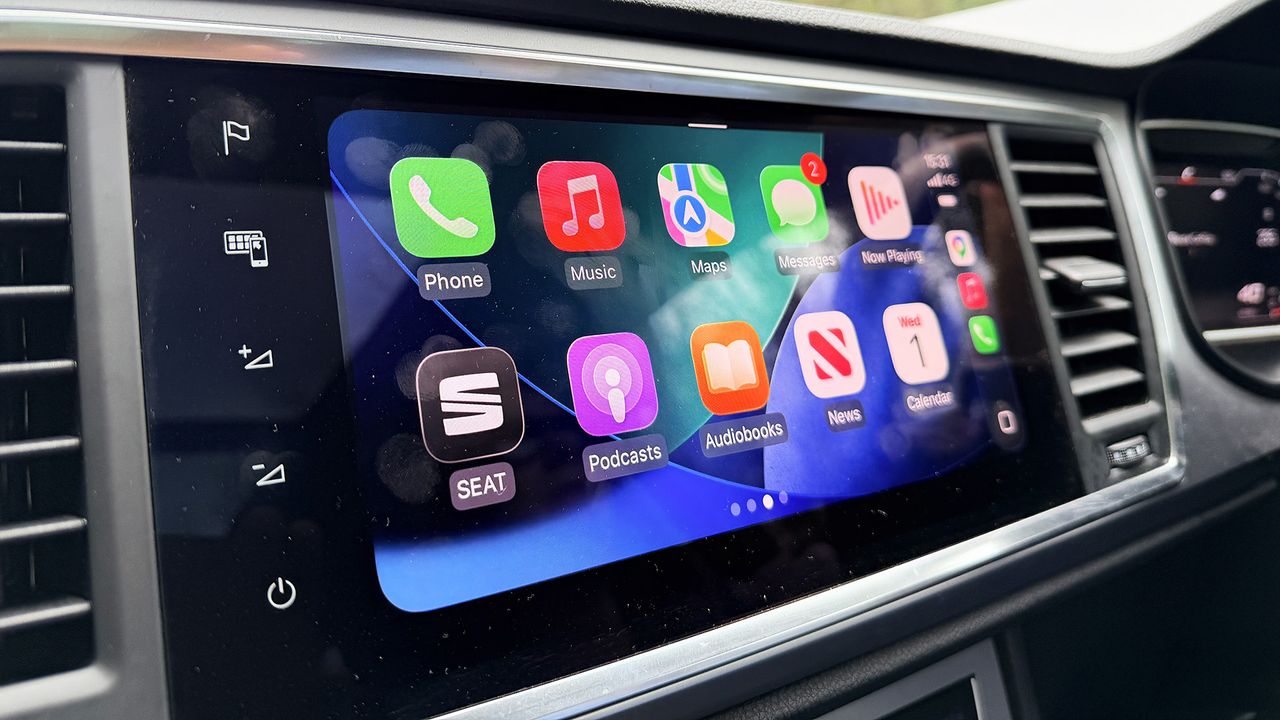
Apple CarPlay Finally Supports Video Playback — Here's What You Need to Know
For years, Apple CarPlay has been one of the most beloved in-car technology systems on the market, seamlessly integrating iPhone functionality into millions of dashboards around the world. But one glaring omission has frustrated users and developers alike: the inability to play video content through the CarPlay interface. That limitation is finally changing — but as with many things in the tech world, the update comes with a significant caveat that every driver should understand before getting too excited.
What's Actually Changing With CarPlay Video Support
Apple has quietly expanded the CarPlay framework to allow third-party developers to build video playback functionality into their apps when the vehicle is in park. This marks a meaningful shift in what CarPlay can do, opening the door for streaming services, media apps, and entertainment platforms to deliver a richer in-car experience on the dashboard screen.
Previously, CarPlay was firmly locked to audio-first experiences — music, podcasts, navigation, messaging, and phone calls. Any attempt to introduce visual media beyond basic interface elements was blocked at the framework level. Apple's reasoning was straightforward: it didn't want to create distractions for drivers. That philosophy hasn't entirely changed, which is precisely where the catch comes in.
The Catch: Video Only Works When You're Parked
Here is the limitation that tempers the excitement considerably. Video playback through CarPlay is only permitted when the vehicle is stationary and in park. The moment a car begins moving, the video feed is disabled automatically. This means you won't be streaming Netflix or watching YouTube while cruising down the highway — and Apple has made clear that this is intentional, not an oversight.
From a safety standpoint, this restriction makes complete sense. Distracted driving remains one of the leading causes of road accidents globally, and enabling full video playback for a moving driver would be deeply irresponsible. Apple has built the restriction directly into the CarPlay API, meaning app developers cannot circumvent it even if they wanted to.
However, for passengers — particularly those in the back seat relying on a rear-seat entertainment setup — the limitation is more frustrating. CarPlay's current architecture doesn't distinguish between the driver's screen and a rear-seat display, so even if a passenger would benefit from uninterrupted video, the system applies the same parked-only rule across the board.
Which Apps Will Support CarPlay Video Playback?
Apple has opened video playback APIs to third-party developers, meaning the breadth of support will depend on how quickly app makers adopt the new capability. Several categories of apps are expected to benefit:
- Streaming services such as Netflix, Disney+, and Max could theoretically build CarPlay-compatible interfaces that allow users to watch content while parked — think waiting for a charging session to complete or sitting in a parking lot before a meeting.
- Video calling apps like FaceTime or Zoom could offer a more polished in-car experience for parked video calls, particularly useful for remote workers who sometimes take meetings from their vehicle.
- Sports and live event apps might use the feature to display match highlights or pre-game content while a driver waits in a stadium parking lot.
- Automotive and instructional apps could display tutorial videos, car diagnostics walkthroughs, or how-to content directly on the car's screen while the vehicle is stationary.
Of course, the actual rollout will hinge on developers committing resources to building and maintaining CarPlay video interfaces. Not every app will rush to implement the feature, especially given the parked-only restriction that limits its overall utility.
Why This Still Matters Despite the Limitation
It would be easy to dismiss this update as minor given the parked-only constraint. But the significance of Apple opening the CarPlay video API at all shouldn't be underestimated. It signals a broader shift in how Apple views in-car entertainment and where CarPlay is heading as a platform.
With electric vehicles becoming increasingly common, drivers are spending more time parked at charging stations — sometimes 20 to 45 minutes at a time. That's a meaningful window for consuming video content, and CarPlay's new capability addresses a genuine use case that simply didn't exist at scale when the platform first launched.
Additionally, as next-generation CarPlay — Apple's more deeply integrated, instrument-cluster-spanning redesign — continues to roll out across new vehicle models, the foundation being built now will likely evolve. Future iterations may allow for more nuanced control over what content displays where and under what conditions, potentially offering passenger-side video playback even while the vehicle is in motion.
How to Make the Most of CarPlay Video Playback Today
If you want to start using CarPlay video features as soon as possible, here are a few practical steps to take right now:
- Ensure your iPhone is running the latest version of iOS, as CarPlay improvements are tied to system-level updates.
- Keep your favorite streaming and media apps updated, since developers will push CarPlay video support through standard app updates.
- Check that your vehicle's CarPlay system is also running current firmware, as some car manufacturers release updates through their own service channels.
- Explore your car manufacturer's app or settings menu, as some automakers may implement additional controls around CarPlay video behavior.
The Bottom Line
Apple CarPlay video playback is a genuinely exciting development — one that acknowledges how in-car experiences are changing and what drivers actually want from their dashboard technology. The parked-only restriction is real, and it does limit how transformative the feature feels day-to-day. But as a foundation for a more capable and entertainment-friendly CarPlay platform, this update matters more than its surface-level constraints might suggest. Keep an eye on app store updates over the coming months: the apps that embrace this feature thoughtfully could make those charging stops and parking lot waits feel a whole lot shorter.